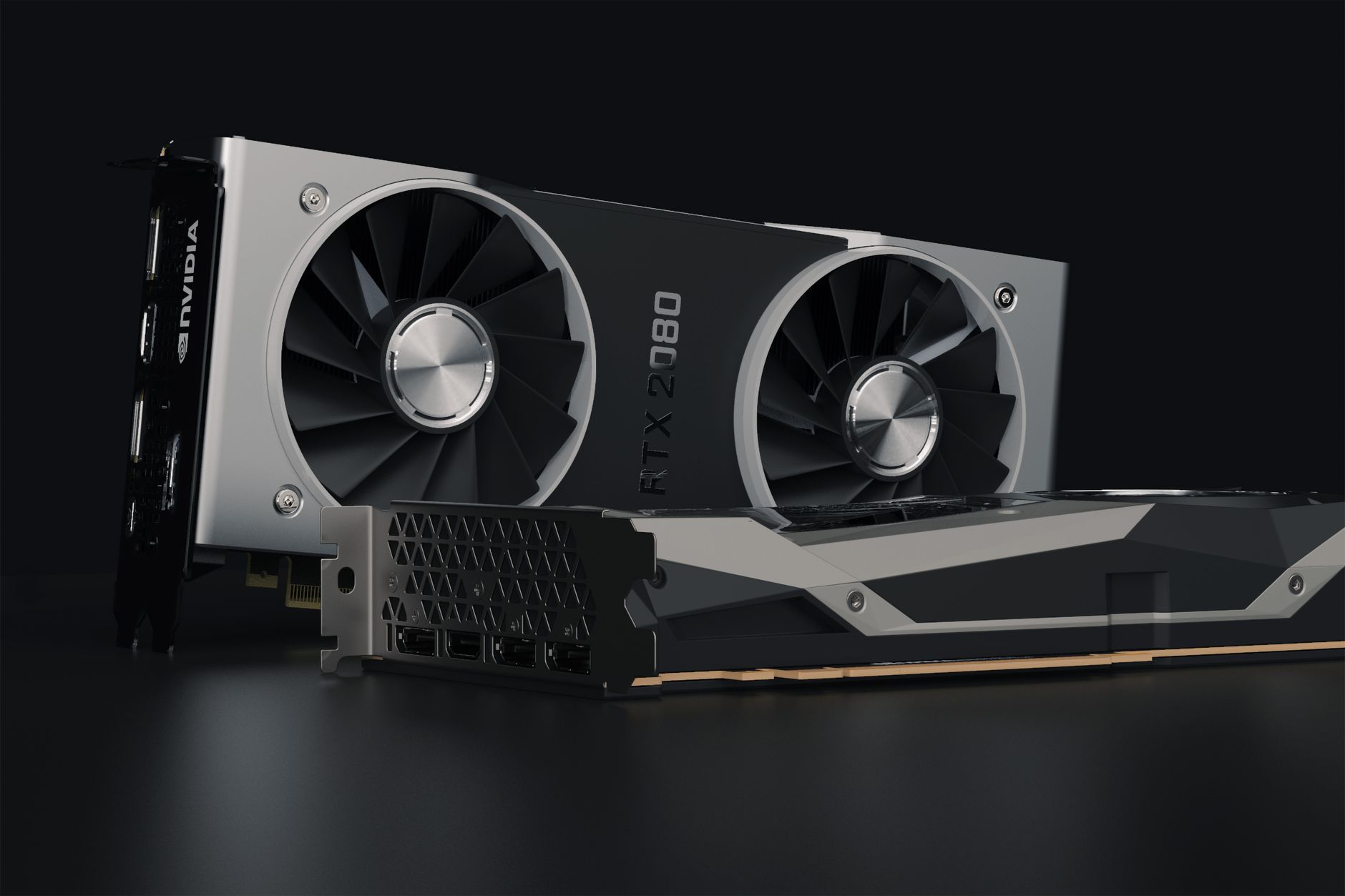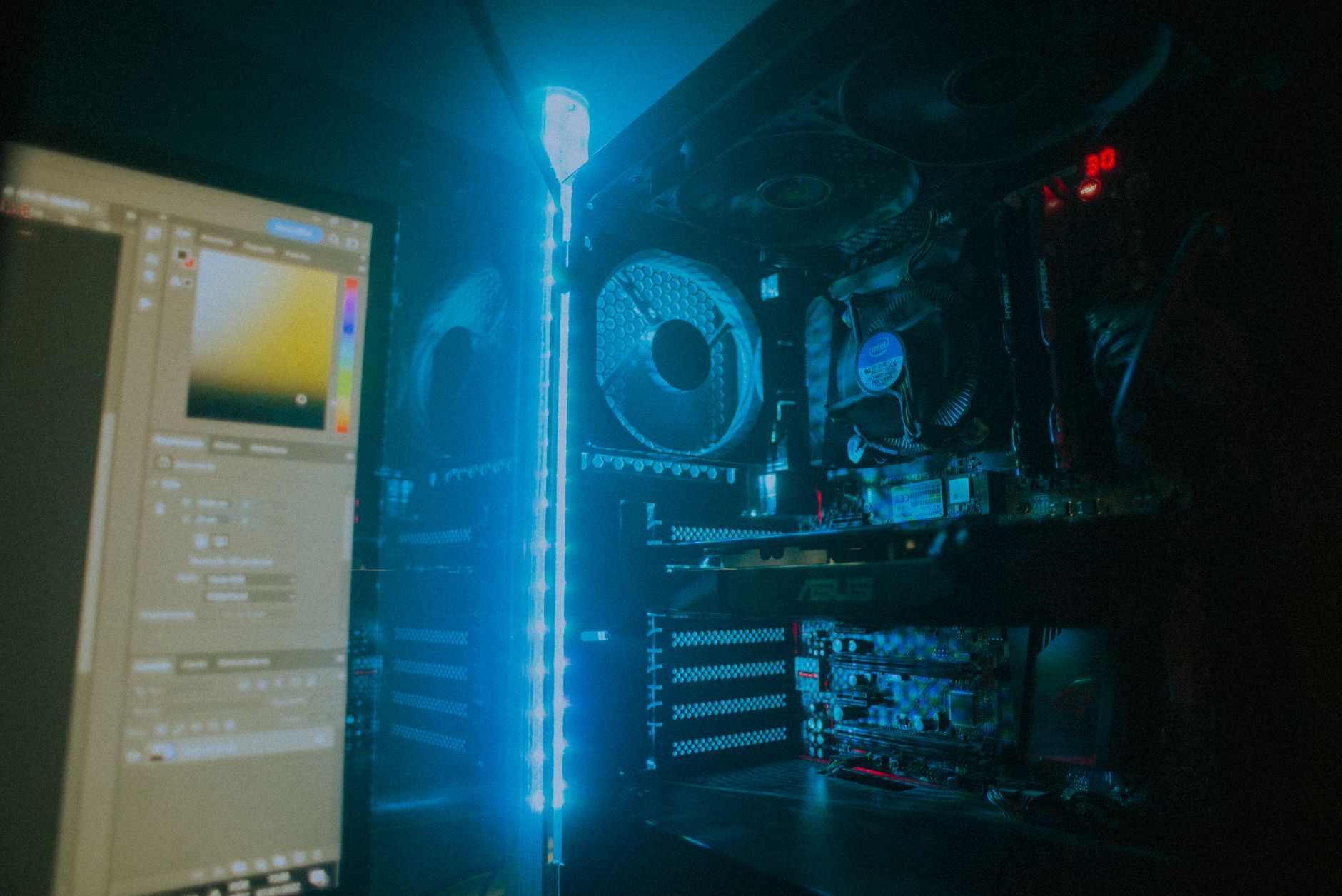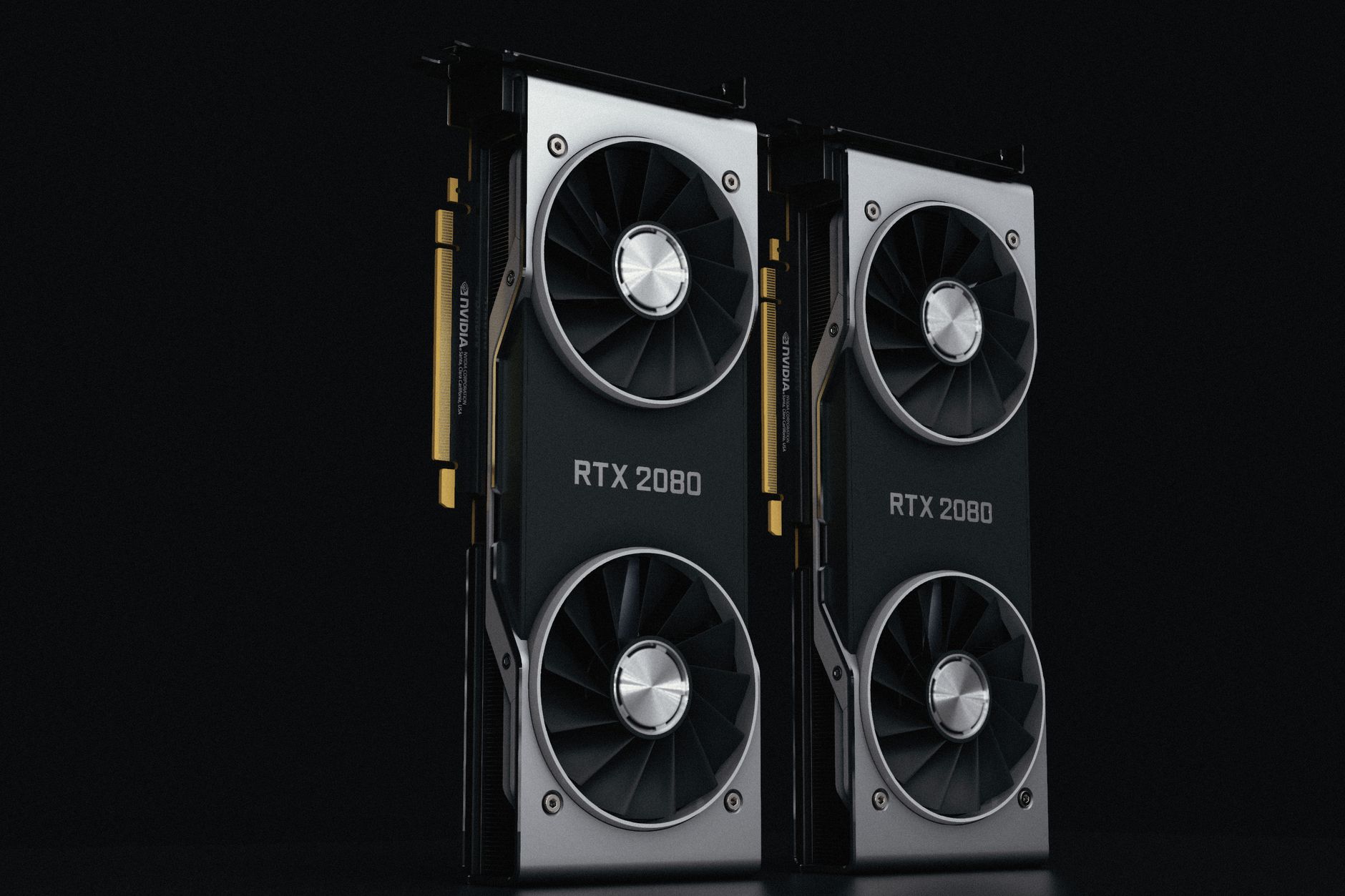
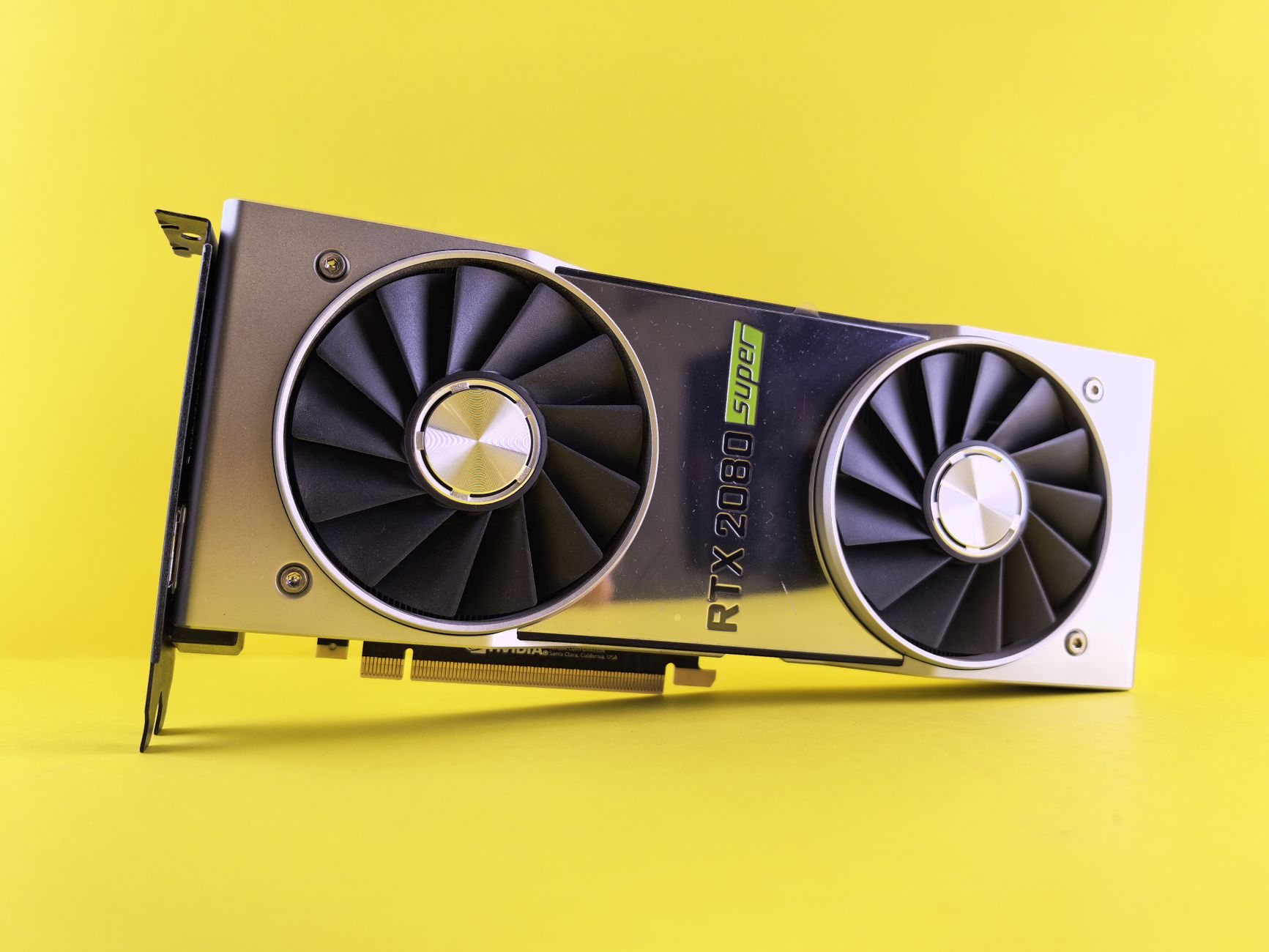

Choosing the right NVIDIA graphics card depends on your target resolution, preferred refresh rate, and how heavily you rely on advanced features like ray tracing and AI upscaling. Finding the exact match requires balancing your performance goals with your power supply and case airflow headroom.
Understanding the RTX 50-Series Tier List
NVIDIA's latest generation features significant hardware advancements, led by the Blackwell architecture. When selecting a graphics card, matching the tier to your monitor's resolution ensures you do not overspend or underdeliver on frame rates.
The lineup spans from entry-level options built for competitive 1080p gaming up to ultra-enthusiast solutions capable of rendering demanding multi-monitor setups and 8K resolutions.
| Tier | GPU Model | Key Specifications | Target Resolution |
|---|---|---|---|
| Flagship | GeForce RTX 5090 | 21,760 CUDA cores, 32GB GDDR7 | 8K, 4K, UW-QHD |
| High-End | GeForce RTX 5080 | 10,752 CUDA cores, 16GB GDDR7 | 4K, UW-QHD |
| Mid-Range | GeForce RTX 5070 Family | DLSS 4 with Multi Frame Generation | 1440p / High Refresh |
| Value | GeForce RTX 5060 Family | DLSS 4, Reflex tech | 1080p (Tuned Settings) |
Performance Features: DLSS 4, Ray Tracing, and VRAM
Raw rasterization performance is no longer the only metric for buying a graphics card. Modern rendering relies heavily on hardware-accelerated features that enhance visual fidelity without destroying frame rates.
Upscaling and Frame Generation
DLSS 4 introduces advanced AI upscaling and Multi Frame Generation, which is integrated directly into the RTX 50-series. When configuring your games, start by setting the upscaler to "Quality" or "Auto," then enable frame generation if your input latency remains comfortable. This approach ensures smooth 1% lows and responsive competitive gameplay.
Ray Tracing and Tensor Cores
Ray tracing demands heavy computational power from dedicated RT cores. High-end cards like the RTX 5080 feature 336 fourth-generation RT cores, while the flagship RTX 5090 scales up to 170 fourth-gen RT cores alongside 680 fifth-gen Tensor cores. If you prefer high-refresh esports titles where speed matters more than visual sparkle, keep heavy ray tracing turned off and rely on low-latency tools instead.
VRAM Considerations
Texture-heavy modern titles and competitive shooters require sufficient video memory to prevent stuttering. While entry-level value cards handle 1080p well, moving up to 16GB configurations—such as the RTX 5080—or 32GB on the RTX 5090 safeguards your system against memory bottlenecks in upcoming software releases.
System Requirements and Practical Upgrades
Upgrading to a modern high-end GPU requires a comprehensive look at your entire system architecture. High-wattage components generate substantial thermal loads that demand careful planning.
Before purchasing a flagship or high-end card, verify that your power supply unit (PSU) has adequate wattage headroom and the necessary native power connectors. Additionally, ensure your PC case features optimized airflow paths to exhaust heat effectively during extended gaming sessions.
For gamers prioritizing speed and responsiveness over pure graphical fidelity, pairing your GPU with a high-refresh-rate G-SYNC monitor will deliver the smoothest motion clarity available.
Frequently Asked Questions
What is DLSS 4 and which GPUs support it?
DLSS 4 introduces Multi Frame Generation and is standard across the entire RTX 50-series lineup. It is supported in dozens of titles early in its release cycle to boost frame rates while maintaining image quality.
How much VRAM do I need for modern 4K gaming?
For high-end 4K and UW-QHD gaming with heavy ray tracing, cards equipped with 16GB to 32GB of GDDR7 memory—such as the RTX 5080 and RTX 5090—deliver the necessary headroom to avoid texture bottlenecks.
Is the RTX 5070 good for mid-range systems?
Yes, the RTX 5070 family stands out as a strong mid-range option, utilizing DLSS 4 and Multi Frame Generation to handle demanding modern titles efficiently.
References & Sources
- GPU Buying Guide: How to Choose the Right Graphics Card
- User Guides for NVIDIA graphics cards | NVIDIA
- The ULTIMATE Graphics Card Buyers Guide 2025! 🙌 Best GPUs!
- NVIDIA Buyers Guide - Graphics Cards Comparison | SCAN UK
- Guides
Editorial Note: This article was researched via verified live web sources and published on 2026-11-24. Questions or feedback? Contact the editorial staff at TrendsInNews.
Photo credit: Andrey Matveev / Pexels