
Building your first custom gaming PC can feel intimidating, but utilizing the right benchmarks and hardware allocation strategies simplifies the process entirely. When planning a gaming PC, your budget should prioritize the graphics card above all other hardware components to maximize overall performance.
Planning Your Budget and Selecting Core Components
Before purchasing any parts, use benchmarks to help you decide what hardware you actually need. The graphics card should be the most expensive component in your build, and that is where the majority of your money should go.
While you need to invest heavily in graphical power, you must balance other components. Do not overspend on your motherboard, but be careful not to underspend on critical parts either. When considering storage, evaluate your options carefully. Many builders choose to avoid 3.5-inch mechanical hard drives in modern builds because they can run noisily and create unwanted disturbances inside the chassis.
Assembling Your Rig and Managing Storage
Once you have acquired your hardware—ranging from motherboards and graphics cards to solid-state storage—you can begin physical assembly. If you prefer professional assistance or need custom solutions, local specialized shops like Redrive PC Build and Repair offer custom computer builds, repair services, and individual components such as motherboards, graphics cards, and storage devices.
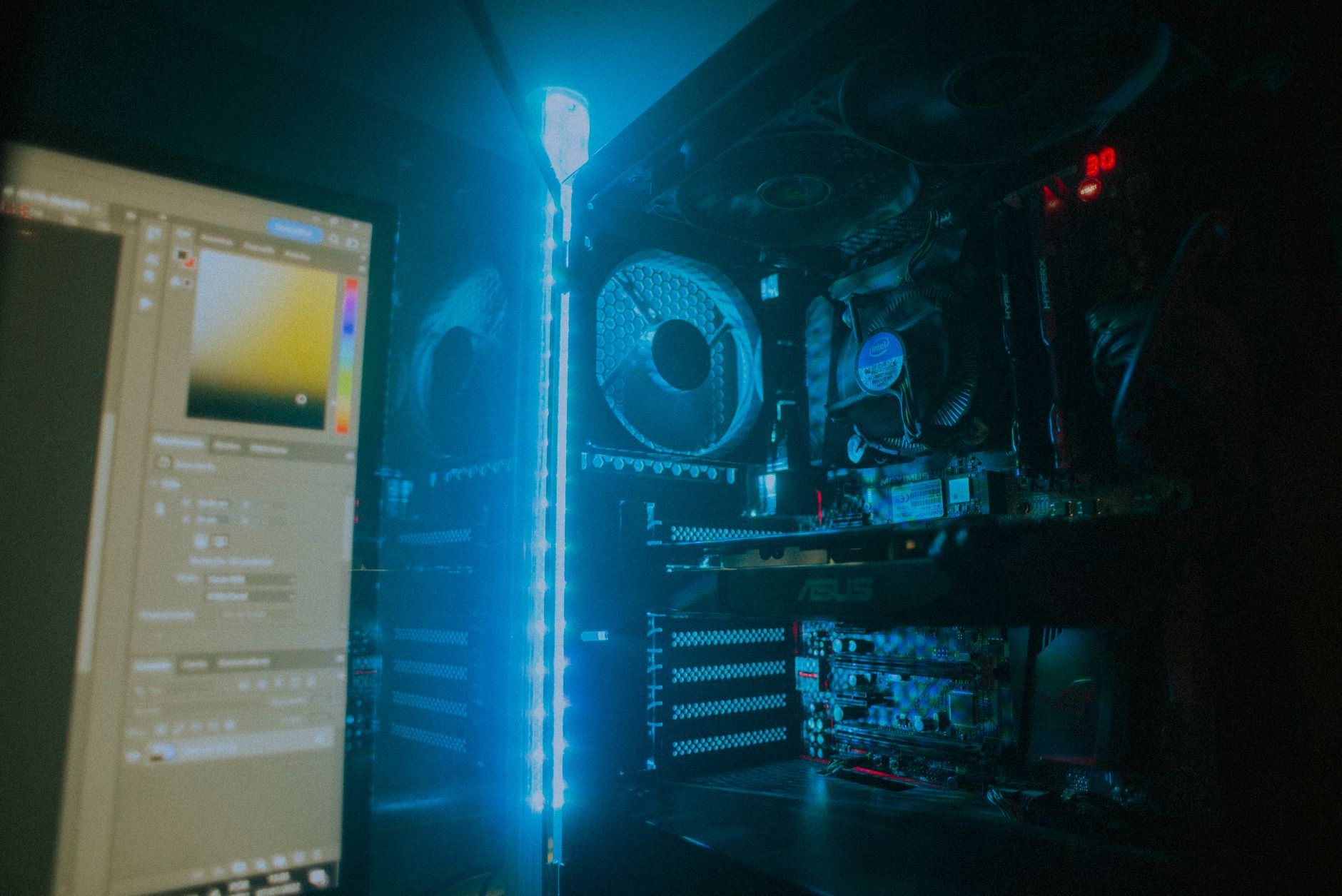
As you clear out legacy hardware components like loud 3.5-inch hard drives, you make room for the most exciting part of any PC build: installing the graphics card. Because this piece drives your visual fidelity, seating it properly into the motherboard is a critical milestone in your assembly process.
Initial Software Setup and Optimization
After powering on your newly constructed machine and installing your operating system, you will need to configure your software preferences. Driver selection plays a direct role in how well your system performs.
Navigate through the installation prompts until you reach driver preferences. If you are using your PC mostly for gaming, click the game-ready driver. If your primary workload involves content creation, you would choose the studio driver instead. Setting up your system for gaming with game-ready drivers ensures your hardware functions at its peak capability. You can also choose whether you want to optimize your games and creative applications during this step based on your personal preference.
Frequently Asked Questions
What is the most expensive component in a gaming PC build?
The graphics card should be the most expensive component in your build, as the majority of your budget needs to go toward this part to ensure optimal gaming performance.
Should I overspend on my motherboard?
No, you should avoid overspending on your motherboard. However, you also want to make sure you do not underspend on critical foundational components.
What type of driver should I install for a gaming PC setup?
If you are setting up your PC mostly for gaming, you should select the game-ready driver during your software configuration to get the best performance.
References & Sources
- How to Build a PC - Step by Step Beginners Guide 2026
- Redrive PC Build and Repair
- Best ETFs for Beginners: The Complete Guide
- A Beginners Guide to Building a Passive-Income Portfolio
- A Beginners Guide to Cryptocurrency Wealth Building in 2024
Editorial Note: This article was researched via verified live web sources and published on 2026-10-31. Questions or feedback? Contact the editorial staff at TrendsInNews.
Photo credit: Isabella Mendes / Pexels