
To program an AI assistant, you can choose between a no-code approach using platforms like Lindy and n8n to connect services like Gmail and Google Calendar, or a developer-focused path using Python and the OpenAI API. Both options allow you to leverage Natural Language Processing (NLP) and APIs to automate tasks and streamline your workflows.
Building an AI Assistant Without Code
For most users, diving straight into code is unnecessary. Modern no-code platforms allow you to spin up fully operational personal assistants by leveraging visual workflows and pre-built templates. At its core, an AI assistant is a piece of software that uses artificial intelligence to perform tasks based on your commands or predefined triggers.
To build a no-code assistant, start by pinning down your exact use case—such as content generation, financial advisory briefs, or email management. Platforms like Lindy allow you to create assistants by chatting with them, using templates, or configuring simple visual workflows. You simply describe what you want the assistant to do and connect the necessary apps.
Alternatively, workflow automation platforms like n8n let you import pre-built templates that link disparate tools together. For instance, you can construct a daily brief assistant by connecting your Gmail and Google Calendar accounts to an AI agent node, aggregating your schedule and emails into a single, summarized output.
Programming an AI Assistant with Python
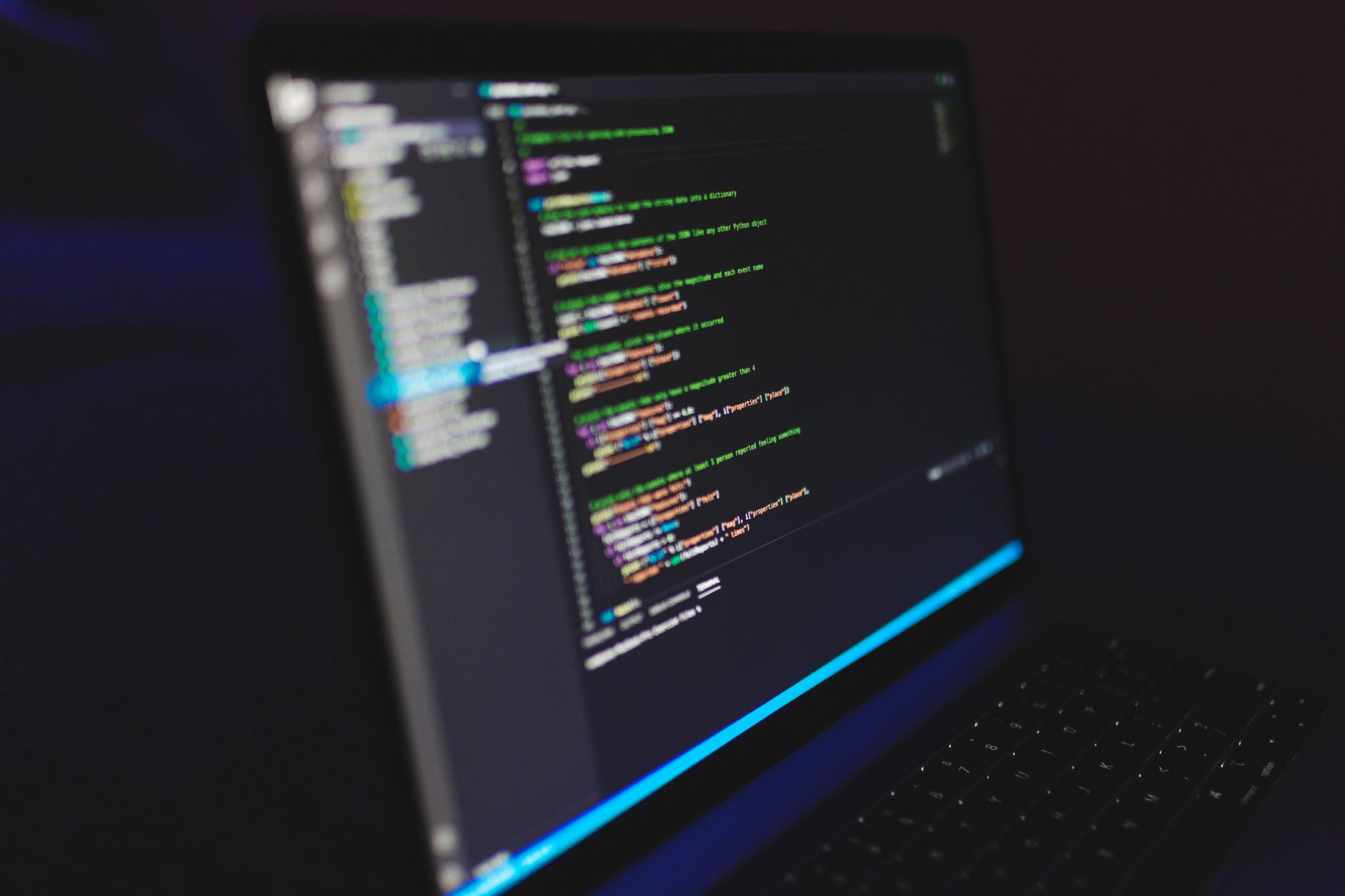
If you prefer a hands-on technical approach, you can build a chat assistant from scratch using Python and the OpenAI API. This method gives you direct programmatic control over how the assistant handles message loops and responds to console inputs.
Before starting, ensure you have your development environment ready. You will need to install the latest Python client library for the OpenAI API using the package manager command:
pip install openai
Once installed, you can build a chat assistant accessible directly via your console using the gpt-3.5-turbo model. The underlying logic relies on maintaining a conversation loop: every time you input text, the script adds your user message to the conversation array, calls the chat completion endpoint, prints the assistant's response back to the console, and prompts you for the next reply.
Hosting and Environment Configuration
Once your assistant is programmed, it needs an operational environment to live in. Where you host your AI assistant depends entirely on its intended workload and architecture:
| Hosting Type | Best Suited For | Key Advantage |
|---|---|---|
| Local Environment | Hobby projects, personal testing, and local file organization via tools like VS Code and Claude Code. | Zero infrastructure overhead and instant local execution. |
| Cloud Serverless | Production workflows, automated triggers, and apps experiencing bursts of activity. | Automatic scaling and pay-per-use pricing models via services like AWS Lambda or Google Cloud Functions. |
Whether you choose to deploy an automated workflow template through n8n or write a custom Python script interfacing with gpt-3.5-turbo, building an AI assistant is an iterative process. Experiment with different approaches, refine your system prompts, and test various environments to achieve the best results for your specific automation needs.
Frequently Asked Questions
How do I create a free AI assistant?
You can create a free AI assistant using tools like Lindy, ChatGPT, or Voiceflow. Start by choosing a platform, defining a clear use case, and connecting the apps your assistant needs. Then give it instructions such as summarizing emails or scheduling meetings.
Can I create an AI assistant without coding?
Yes, you can create an AI assistant without coding, as most AI assistant platforms are no-code. Tools like Lindy and n8n allow you to build assistants using visual workflows, templates, or chat prompts to connect services like Gmail and Google Calendar.
What technologies are required to build a technical AI assistant?
Building a technical AI assistant typically involves Natural Language Processing (NLP) for understanding human commands, an AI model like gpt-3.5-turbo, and APIs (Application Proven Interfaces) to allow the software to interact with other apps and services.
References & Sources
- Build your own AI assistant in 10 lines of code - Python - Documentation - OpenAI Developer Community
- How to Build an AI Assistant (Because, Let’s Face It, You Need One) | AI Assistants | Gmelius
- Free AI Assistants: 8 Tested and Ranked (2026) | Lindy
- I Built My Own Personal AI Assistant Using Gemini 3 + n8n (Free Templates Included)
- Build Your Personal AI Assistant with Claude Code | Ron Forbes
Editorial Note: This article was researched via verified live web sources and published on 2026-11-03. Questions or feedback? Contact the editorial staff at TrendsInNews.
Photo credit: Nemuel Sereti / Pexels