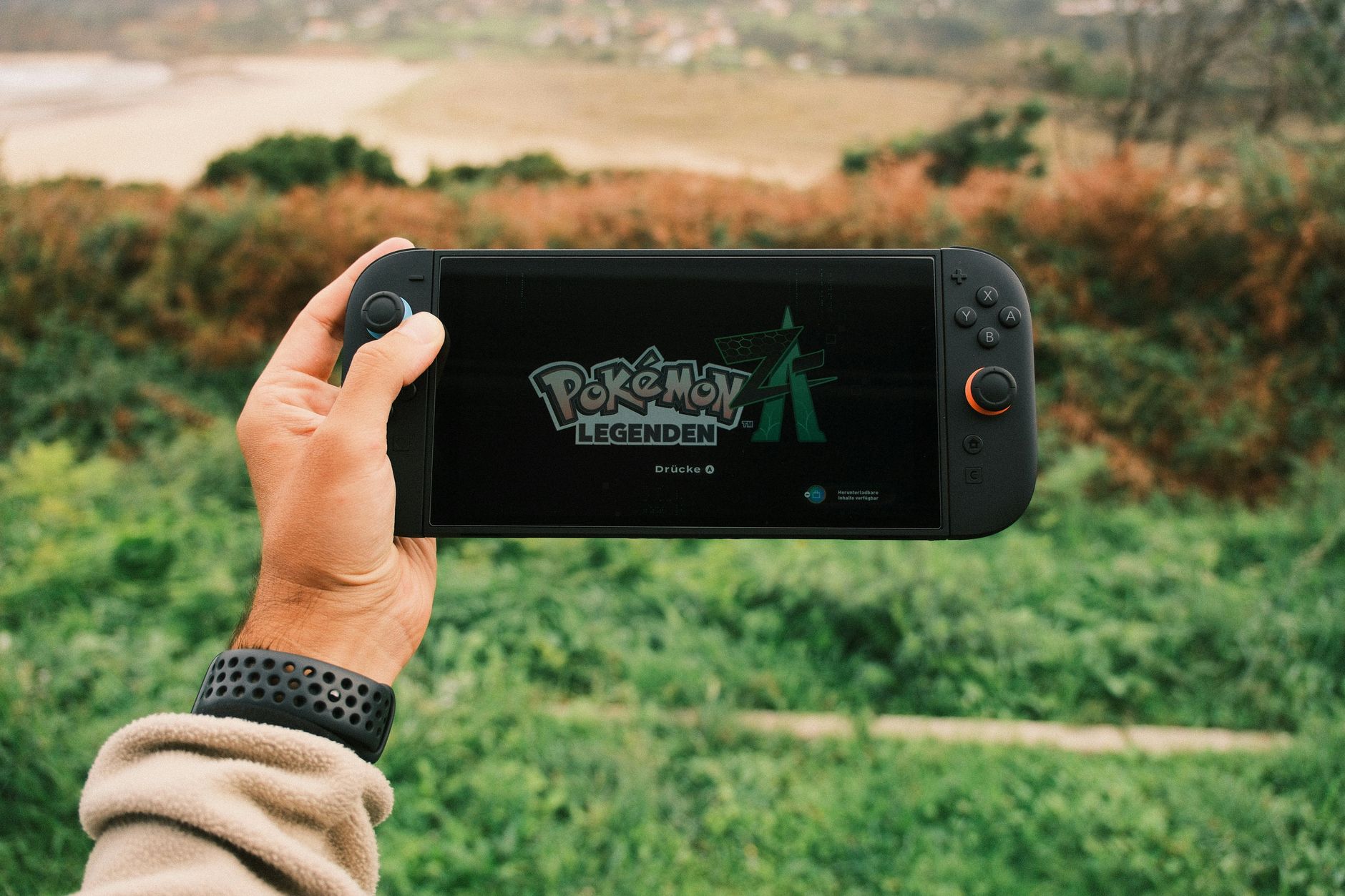

Encountering unexpected interruptions while playing can grind your gaming session to a halt. Fortunately, most system notifications and crashes can be resolved with a few targeted troubleshooting steps.
Restart Your Console Properly
The first and most effective step when dealing with unexpected freezes or software closure messages is to completely power cycle your system. Simply putting the console into sleep mode does not clear temporary cache issues.
To perform a standard restart, hold the POWER Button for three seconds, select Power Options, and then select Restart. If your console is completely frozen and will not respond to commands on screen, hold the POWER Button for twelve seconds to force it to shut down. After the system turns completely off, press the POWER button once more to power it back on.
If an error message occurs only very infrequently, it does not necessarily indicate a permanent hardware failure. You can safely continue to use the system as usual. However, if the error happens regularly, you will need to dig deeper into software maintenance.
Update and Manage Problematic Software
Outdated system files or corrupted game data frequently trigger unexpected software shutdowns. When a specific game keeps crashing, you need to check its integrity and application files.
- Verify that your console has the latest system version installed via the system settings menu.
- Check for any available updates specifically for the problematic software.
- Scan the software data for any corrupted files using the system management settings.
If problems persist, you may need to delete the problematic software from your console and redownload it to the console's system memory. If you are currently utilizing a microSD card, remember to remove the card from your Nintendo Switch console before starting the redownload process.
Troubleshooting Communication and Network Errors
Online multiplayer sessions can occasionally drop due to network handshakes or local Wi-Fi routing issues. If you encounter communication interruptions while playing games online, a standard console restart is the recommended starting point.
If connection drops continue to plague your online sessions, you should manually enter an alternate DNS configuration within your internet settings. Alternatively, switching between a wireless connection and a wired local network setup can stabilize your connection.
| Issue Type | Primary Fix | Advanced Fix |
|---|---|---|
| Software Crashes | Restart console | Delete and redownload software |
| Frozen Console | Force shutdown (12-second power hold) | Factory settings without deleting save data |
| Communication Errors | Restart network connection | Manually enter an alternate DNS |
As a final troubleshooting step before seeking external repair options, you can restore the Nintendo Switch console to factory settings without deleting save data, and then clean-slate redownload your software directly to the console memory.
Frequently Asked Questions
Why does my Nintendo Switch keep saying an error has occurred?
Frequent errors usually point to corrupted game data, outdated system software, or temporary system memory glitches. If the issue happens regularly rather than just once, you should check for software updates, verify corrupted data, or restart the console completely.
How do I force restart a frozen Nintendo Switch?
If your console is completely unresponsive and will not bring up the standard power menu, press and hold the physical POWER button for twelve seconds to force a complete shut down. Once the console is fully powered off, press the POWER button again to turn it back on.
Will I lose my save data if I restore the console to factory settings?
No, you can restore your Nintendo Switch console to factory settings without deleting your save data. This troubleshooting step allows you to clear out system glitches while keeping your game progress safe before redownloading your software.
References & Sources
- Error Message: The Software Was Closed Because An Error Occurred (on Nintendo Switch) | Support | Nintendo UK
- How To Fix Nintendo Switch "An Error Has Occurred" Error In 2025
- Nintendo Switch: Error Codes and Messages | Nintendo Support
- Error Message: "A Communication Error Occurred." | Support | Nintendo UK
- Error Message: An Error Has Occurred | Nintendo Support
Editorial Note: This article was researched via verified live web sources and published on 2026-11-23. Questions or feedback? Contact the editorial staff at TrendsInNews.
Photo credit: Daniel J. Schwarz / Pexels