
Building your own gaming PC is the absolute best way to ensure your machine matches your exact performance targets, aesthetic preferences, and budget constraints. Whether you are aiming for a modest entry-level system or a high-end dream machine, understanding the core hardware requirements is essential for a smooth assembly process.
Planning a custom rig involves coordinating seven major parts: the CPU and cooler, motherboard, memory, case and fans, power supply, storage, and graphics card. By analyzing expert recommendations and hardware benchmarks, you can create a tailored system built to handle modern titles with ease.
Choosing Your Tier: From Entry-Level Rigs to High-End Dream Machines
When mapping out your build, establishing a target budget helps narrow down component choices. Industry experts generally categorize builds into distinct tiers based on price and expected gaming performance. Entry-level systems, such as those built around an Intel Core i3-14100F or an AMD Ryzen 5 5500, offer accessible entry points near the $500 mark when paired with parametric entry-level graphics cards like the GeForce RTX 5050 or Radeon RX 9060 XT.
Stepping up to mid-range configurations, such as the popular AMD Ryzen 5 7600X paired with a GeForce RTX 5060 Ti, provides substantial performance gains for modern 1080p and 1440p gaming. For enthusiasts looking at high-end solutions, budgets stretching past $2,000 unlock top-tier processors, advanced cooling solutions, and high-capacity storage drives.
| Build Tier | Typical Processor Options | Target GPU Examples |
|---|---|---|
| Entry-Level | Intel Core i3-14100F / AMD Ryzen 5 5500 | GeForce RTX 5050 / Radeon RX 9060 XT |
| Modest / Mid-Range | AMD Ryzen 5 7600X | GeForce RTX 5060 Ti (16 GB) |
| High-End Enthusiast | High-performance multi-core CPUs | High-end discrete video cards ($800+) |
Core Components and Hardware Specifications
Every reliable gaming rig relies on specific hardware components working in harmony. Selecting the right parts requires careful attention to form factors, power delivery, and thermal management:
- CPU and Cooler: The central processing unit handles system instructions. Pairing it with an adequate air or liquid cooler keeps temperatures stable under heavy gaming loads.
- Motherboard: This central circuit board connects all components together. Ensure your socket type matches your chosen CPU.
- Memory (RAM): Crucial for multitasking. While RAM prices can be volatile, kits like DDR4-3600 or modern DDR5 configurations provide necessary bandwidth.
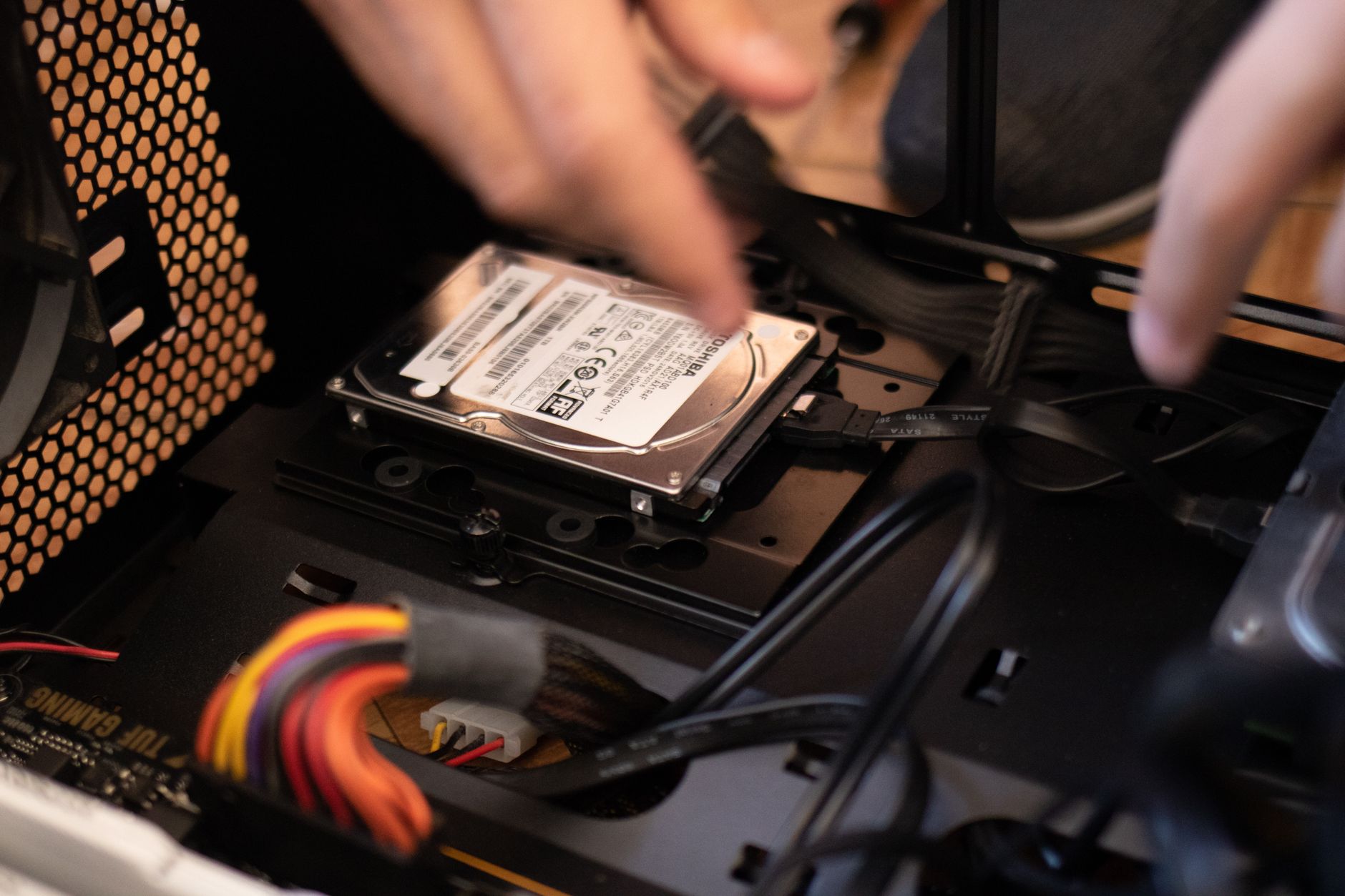
- Storage (SSD): Solid-state drives deliver rapid operating system boot times and fast game load speeds. Always verify benchmark performance for your chosen drive.
- Graphics Card (GPU): The single most impactful component for visual fidelity and frame rates. Depending on your build tier, look for modern chipsets equipped with ample VRAM.
Power Supply and Cable Management Essentials
The power supply unit (PSU) is often overlooked, but it is critical for system stability. Power supplies generally fall into three cabling categories: non-modular, semi-modular, and fully modular.
Non-modular units feature permanently attached cables, which can create clutter in your chassis and obstruct airflow if unused. Semi-modular PSUs are the best option for most builders, coming with essential cables attached while leaving room to omit unnecessary lines. High-end builds benefit from units utilizing the latest ATX 3.1 and PCIe 5.1 standards, including native 12V-2x6 cables designed to safely power modern high-draw graphics cards.
By carefully selecting your components, managing your internal cables, and matching your parts list to your exact gaming requirements, your custom PC build will deliver reliable performance for years to come.
Frequently Asked Questions
How do I choose the right CPU for my gaming PC build?
You should start with the CPU when planning your build because your choice dictates overall system performance and motherboard compatibility. Consider your budget and whether you want an entry-level processor like the Intel Core i3-14100F or a mid-range AMD Ryzen 5 chip.
What power supply unit (PSU) should I buy?
Semi-modular PSUs are generally the best option for most builders because they offer a balance of price and essential cable management. Look for modern standards such as ATX 3.1 or PCIe 5.1 compatibility, like the ASRock Steel Legend series, which feature native 12V-2x6 cables for your graphics card.
Why are RAM prices excluded from some major hardware build lists?
Major hardware publications frequently omit RAM pricing because memory costs are highly volatile and fluctuate rapidly. Builders often bypass standard pricing by taking advantage of temporary combo deals at retailers like Newegg to significantly lower total costs.
References & Sources
- Best gaming PC builds: Shop all our recommended system builds as we ride out the RAMpocalypse | PC Gamer
- How To Build a Gaming PC in 2025 - Step-By-Step Guide!
- Best PC builds for gaming 2026: From $900 budget rigs to $4,000+ dream machines | Tom's Hardware
- Build Guides - PCPartPicker
- How to Build a Gaming PC: Gaming PC Parts and Setup Guide | Intel
Editorial Note: This article was researched via verified live web sources and published on 2026-11-14. Questions or feedback? Contact the editorial staff at TrendsInNews.
Photo credit: Athena Sandrini / Pexels