
A complete TikTok creator setup relies on three main components: choosing a free TikTok Creator Account or Business Account, selecting production hardware, and following a consistent filming workflow. You can start with a basic smartphone in natural light and upgrade your gear as your view counts grow. Prioritizing clean microphone audio and bright lighting delivers immediate improvements before you buy advanced cameras or desktop streaming software.
1. Account Configuration and Official Management Apps
Setting up your profile begins inside the app settings. Convert a default personal account into a TikTok Creator Account or a free Business Account to view performance analytics, commercial audio rights, and audience demographics.
To streamline day-to-day operations, install the official TikTok Studio app from Google Play or the App Store. This mobile app centralizes video scheduling, content performance insights, and channel growth management. Creators who broadcast from a computer can download TikTok LIVE Studio, a desktop application designed for Windows PCs. Mac users must run TikTok LIVE Studio using virtual machines like Parallels, Windows Boot Camp, or stream via OBS with an official stream key.
2. Hardware Selection: Mobile and Desktop Creator Gear
While high-end camera gear helps, you do not need an expensive production studio to make engaging vertical videos. Upgrading key components step by step gives you the most value for your budget.
Audio Equipment
Clear sound is the single most essential part of a mobile setup. For budget-conscious creators, the Moman Coin wireless mini microphone ($49) attaches directly to clothing for direct voice capture. Intermediate and advanced creators often upgrade to the Rode Wireless GO II or the DJI Mic 3. The DJI Mic 3 offers advanced audio capabilities, including 32-bit float internal recording, adaptive gain control, noise reduction, and integrated timecode sync.
Lighting and Camera Supports
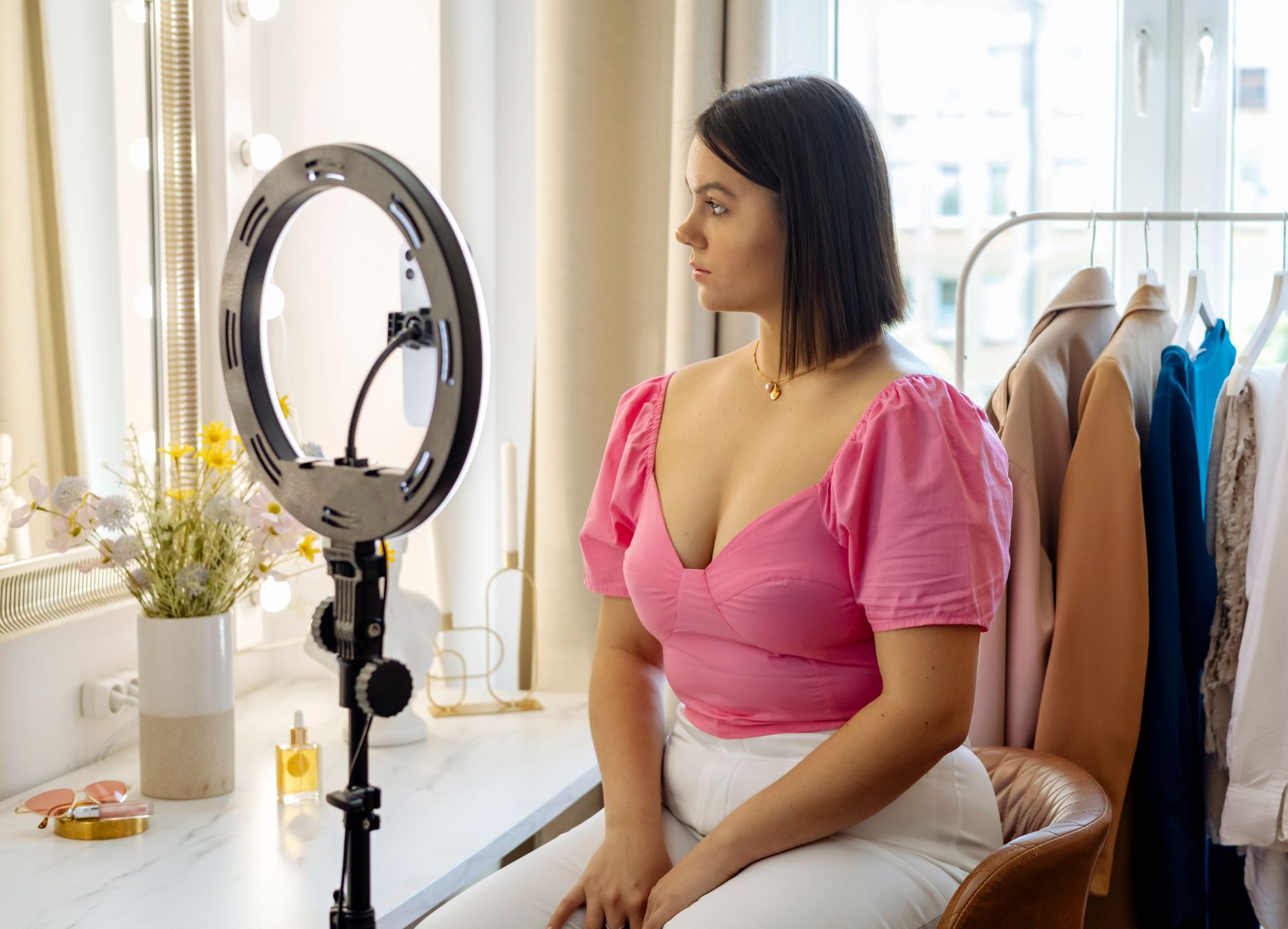
Proper illumination keeps your video looking crisp and reduces visual sensor noise. While natural window light works for starting channels, adjustable continuous lighting provides total control over your schedule. The compact COLBOR W60 offers adjustable brightness alongside a 2700–6500K color temperature range, while the Godox SL60II delivers strong continuous studio light.
To hold your camera steady, use floor tripods or compact mounts like the Moman TT07 (which functions as both a tripod and selfie stick), the Joby GorillaPod, or the Manfrotto Element Traveller. If your channel involves vlog-style movement, a handheld gimbal like the DJI Osmo Pocket 3 or Insta360 Flow 2 Pro provides motorized physical stabilization.
Cameras and Smartphone Rigs
Most modern smartphones handle high-definition vertical recording well. However, dedicated camera setups offer shallow depth of field, interchangeable lenses, and superior low-light performance. Popular dedicated options include the Sony ZV-E10 II and Canon EOS R50.
Mobile filmmakers can add structural accessories like the SmallRig Universal Phone Rig to mount extra lights and microphone receivers. Framing yourself with a rear smartphone camera is easier with external display accessories like the Moman XView M4, a 4-inch magnetic monitor that attaches to the back of your phone.
3. Comparing Video Production Methods and Costs
Creators choose different operational models based on budget, available time, and channel goals. Choosing the right method depends on how quickly you need to output content.
| Production Model | Estimated Video Cost | Production Time | Primary Strengths |
|---|---|---|---|
| DIY Mobile Creator | $0 – $100 | 1 – 4 hours | Low cost, authentic presentation, full creative control |
| Freelance Creator | $200 – $1,000 | 1 – 2 days | Professional editing, custom motion graphics, high polish |
| Influencer Partnership | $1,000 – $5,000+ | Varies | Instant access to pre-established niche audiences |
| AI Video Scaling | $29/mo + $0.01–$0.10/video | Minutes | Rapid volume generation using tools like Sozee |
If you partner with creators or outsource production, rates scale based on audience reach. Beginners hiring talent often pay $100 to $300 per video. On the influencer side, nano-influencers (1K–10K followers) typically charge $50 to $300, micro-influencers (10K–100K) charge $200 to $2,000, mid-tier creators (100K–1M) command $2,000 to $10,000, and macro-influencers (1M+ followers) cost anywhere from $10,000 to over $100,000 per video.
For creators monetizing through TikTok Shop, the platform levies a transaction fee of 5% plus $0.30 per sale, while affiliate commissions paid to creators generally range between 10% and 20%. There are no recurring monthly listing fees to publish products.
4. Step-by-Step Production Workflow
- Plan Your Concept: Outline your core idea before recording. Identify popular sounds, niche topics, and video formats that match your channel identity.
- Configure Your Studio Space: Position your key light directly in front of or slightly angled toward your subject. Keep the background clean and clutter-free.
- Film High-Engagement Takes: Deliver a clear hook in the initial 1 to 2 seconds. Keep total runtime concise; videos shorter than 20 seconds generally secure higher completion rates from viewers.
- Edit and Remove Watermarks: Avoid re-uploading clips with visible watermarks from other platforms, as TikTok deprioritizes watermarked uploads. Use tools like
snapinsta.apporvideoconverter.wondershare.netto scrub watermarks before uploading. - Format and Optimize: Place text captions and titles within screen safe zones so they are not covered by the user interface, search bars, or side buttons. Add targeted hashtags relevant to your niche.
- Post and Interact: Maintain a predictable schedule, such as posting 3 to 5 times per week. Engage quickly with early comments to signal positive activity to the recommendation engine.
Tip: Never place key text elements along the bottom third or extreme right side of the video frame. TikTok overlays captions, account handles, and interactive buttons over these zones, making obscured text unreadable.
5. Configuring TikTok LIVE Studio on PC
Creators who stream games or hosted shows from a desktop computer use TikTok LIVE Studio to organize webcam feeds, screen captures, and live overlays.
- Confirm your internet connection meets system requirements. Desktop streaming in 1080p requires an upload speed of 10 Mbps upload or higher, while 720p streams require at least 4 to 6 Mbps.
- Apply for live streaming permissions or a stream key on the official TikTok access portal.
- Download and launch
TikTok LIVE Studioon your Windows PC. - Log in by opening the mobile TikTok app on your phone and scanning the desktop application's QR code.
- Add your webcam, external microphone, and game capture sources inside the scene editor, then run an audio check before going live.
Tip: If your account application for desktop streaming access gets turned down initially, joining an accredited creator agency network can help you secure stream key permissions.
6. Common Creator Pitfalls to Avoid
Building a successful channel requires avoiding operational mistakes that hurt account reach:
- Slow Openings: Viewers swipe away if the main message or visual hook does not appear in the opening 2 seconds. Avoid long introductions or title screens.
- Inconsistent Uploads: Irregular posting schedules kill momentum. Long posting hiatuses caused by burnt-out schedules reduce initial algorithmic distribution when you return.
- Excessive Selling: Viewers ignore overly promotional sales pitches. Focus on entertainment, education, or authentic commentary over direct sales pitches.
- Replicating Trends Without Originality: Copying popular trends word-for-word without adding your own unique commentary or creative spin prevents long-term community loyalty.
Frequently Asked Questions
Do I need to pay to create a TikTok business account?
No, creating a business account on TikTok is completely free. Switching to a business or creator account unlocks built-in analytics, commercial sound libraries, and performance tracking tools.
How much does TikTok video production cost per video?
DIY creators spend between $0 and $100 per video. Hiring freelancers typically ranges from $200 to $1,000 per video, while AI video automation runs roughly $29 per month plus $0.01 to $0.10 per video.
What are the internet speed requirements for TikTok LIVE Studio?
Desktop streaming via TikTok LIVE Studio requires an upload speed of at least 10 Mbps for 1080p resolution, or 4 to 6 Mbps for 720p streams.
Sources
Editorial note: This article was researched with AI-assisted tools, checked against the sources listed above and last updated on 2026-09-28. Spotted an error? Contact the TrendsInNews editors.
Photo: Hanna Pad / Pexels