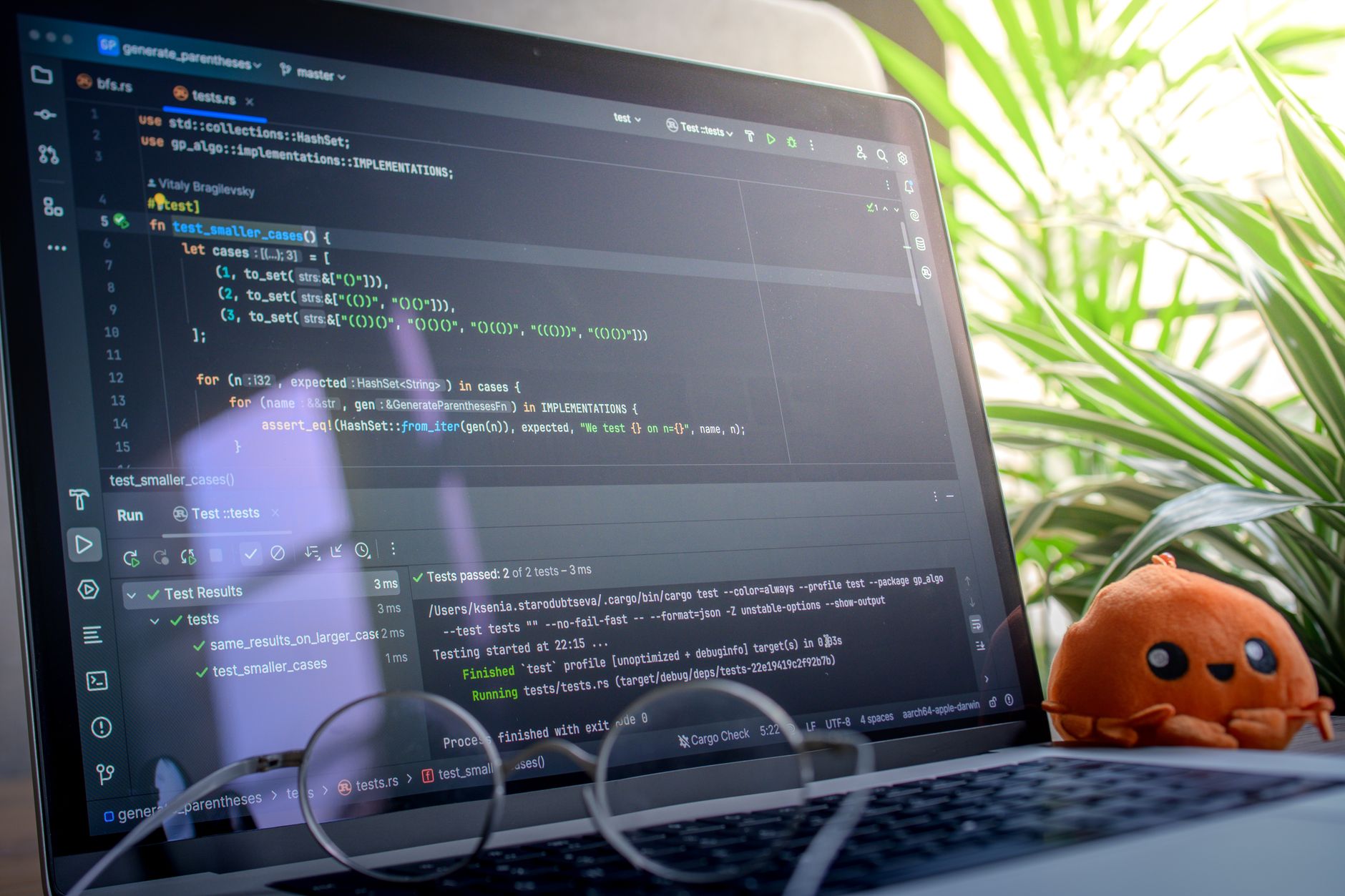


Selecting the right artificial intelligence tooling for software development has evolved far past simple function generation. Modern engineering workflows demand utilities that understand intricate project architectures, handle multi-file refactoring, and maintain context across long development cycles. Choosing the correct platform depends entirely on specific project requirements, codebase age, and team infrastructure.
The landscape is defined by distinct leaders that optimize for different stages of the software lifecycle. While some environments focus on rapid prototyping and continuous flow, others prioritize deep reasoning, enterprise security compliance, or low-friction autocomplete integration.
Overview of Top AI Coding Tools
Engineering teams approach AI integrations differently depending on whether they need a background assistant or an autonomous coding agent. Traditional assistants handle single-line completions or localized prompts, whereas agentic tools actively manage file structures, search dependencies, and plan multi-step code changes.
| Tool | Best For | Pricing Model | Core Advantage |
|---|---|---|---|
| Cursor | Everyday shipping & modern codebases | Free tier / $20/mo Pro | Fast autocomplete and low-friction in-editor chat |
| GitHub Copilot | Pure autocomplete & standard setups | $10/mo Individual / $19/mo Business | Reliable background completions with minimal friction |
| Claude Code | Large projects & complex refactoring | Usage-based (Subscription or API) | Deep reasoning, code investigation, and architectural planning |
| Devin Desktop | Cross-session context management | Varies by tier | Local agent mode that remembers project state between sessions |
| Tabnine | Enterprise-only security & air-gapped use | $59/user/mo Agentic tier | Enterprise Context Engine and secure offline local deployments |
Choosing the Right Tool for Your Workflow
Evaluating these options requires matching their strengths to daily engineering bottlenecks. Developers working within well-structured repositories often prioritize velocity, while those dealing with legacy systems need robust investigative capabilities.
Velocity and Flow: Cursor and GitHub Copilot
For individual developers and small teams focused on rapid prototyping, Cursor acts as an effective default IDE. It excels at keeping developers in a state of flow by combining instantaneous autocomplete with contextual chat features. Conversely, GitHub Copilot remains relevant through its unmatched price-to-performance ratio and frictionless integration into existing IDE setups. For developers who simply want an intelligent background assistant without migrating to a new editor interface, Copilot delivers a reliable experience.
Deep Reasoning and Architecture: Claude Code
When tasks grow beyond simple function creation, standard autocomplete tools often fall short. Claude Code addresses this gap by functioning as a powerful coding brain. It shines during platform migrations, messy legacy code refactors, and updates across older repositories. Rather than immediately rewriting code, it investigates project structures, maps out dependencies, and builds a comprehensive execution plan before modifying any files.
Agentic Workflows and Enterprise Scale
As enterprise environments shift toward autonomous workflows, tools like Devin Desktop offer advanced capabilities such as local agent modes that retain project context across sessions. This eliminates the need to repeatedly re-explain codebase architecture in new chat windows. Meanwhile, enterprise-focused platforms like Tabnine cater to strictly regulated industries by providing air-gapped deployments capable of running on private hardware infrastructure alongside autonomous CLI agents.
Strategic Buying Decisions for Engineering Teams
As AI tools generate code faster than verification teams can audit it, architectural comprehension has replaced simple syntax completion as the primary evaluation metric. Industry projections suggest that nearly all enterprise engineers will utilize AI code assistants in the near future. Selecting the optimal platform requires balancing immediate coding velocity with long-term code maintainability, security compliance, and structural intelligence.
A common strategy among high-performing development teams involves a hybrid approach: utilizing fast editors like Cursor for daily feature shipping, while calling upon deep-reasoning engines like Claude Code when tackling the most difficult architectural hurdles in the codebase.
Frequently Asked Questions
Which AI coding assistant is best for everyday shipping and prototyping?
Cursor is widely considered the best overall choice for everyday development due to its fast autocomplete, in-editor chat, and low-friction handling of small-to-medium tasks. It serves as the baseline environment for many modern development teams.
How does GitHub Copilot compare to dedicated AI IDEs like Cursor?
GitHub Copilot remains the top choice for pure autocomplete performance and stands out for its low individual price point of $10 per month. While tools like Cursor offer immersive IDE workflows and deep agentic features, Copilot fits developers who want a reliable background assistant without changing their core setup.
When should developers use Claude Code instead of standard assistants?
Claude Code is ideal for large projects, complex refactoring, and older repositories that require deep reasoning before editing. It excels at analyzing project structure, identifying hidden dependencies, and planning architectural updates across messy codebases.
References & Sources
- Best AI coding agents for developers in 2026 (real-world reviews)
- Best AI Coding Assistants 2026: Our Picks
- The Best AI Coding Assistants: 20 Tools Reviewed for 2026
- The 9 best AI coding tools in 2026 | Zapier
- 8 Best AI Coding Assistants by Job [Updated August 2026]
Editorial Note: This article was researched via verified live web sources and published on 2026-11-02. Questions or feedback? Contact the editorial staff at TrendsInNews.
Photo credit: Zayed Hossain / Pexels