
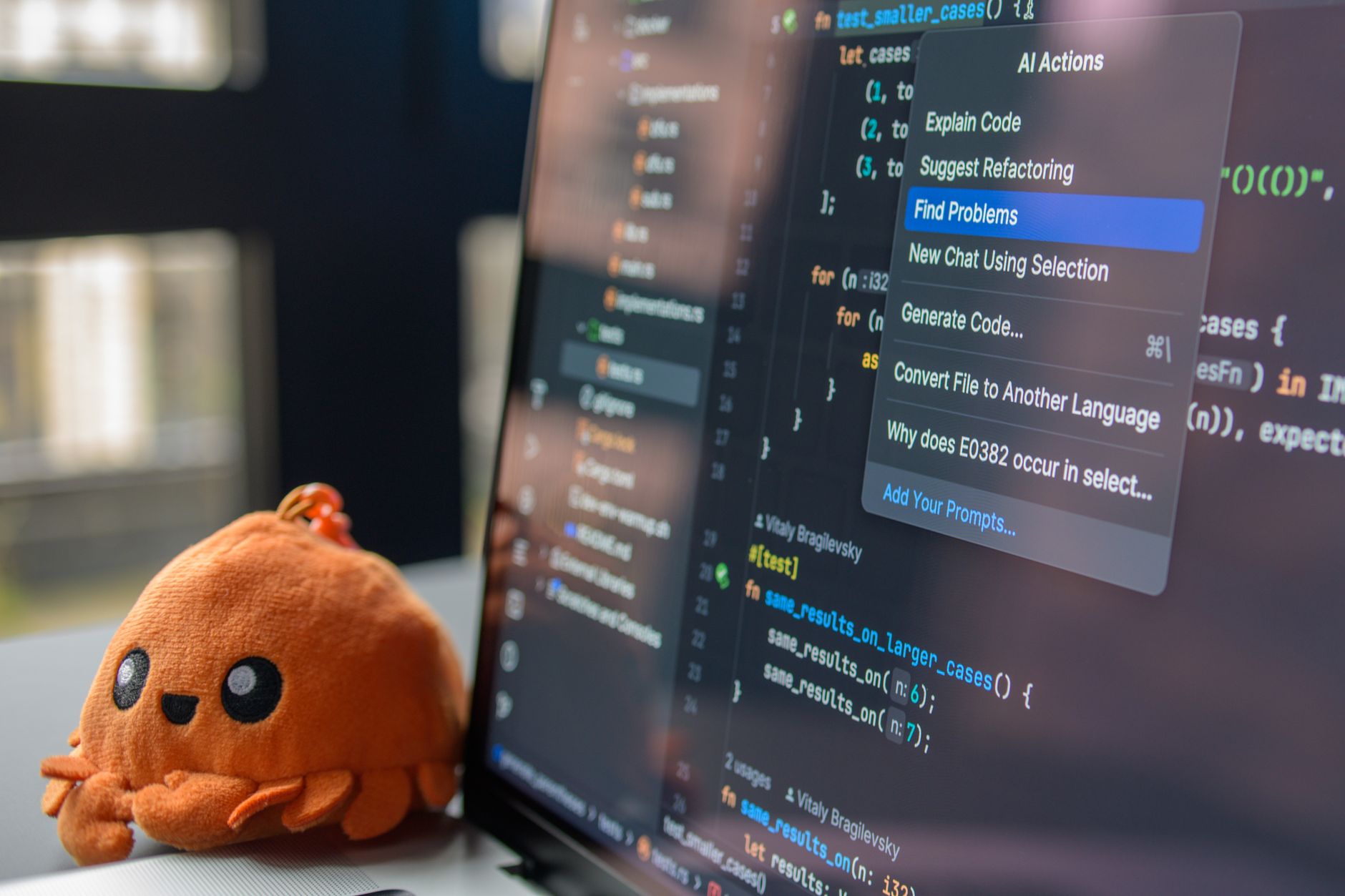

An AI agent workflow builder is software used to design, test, and deploy autonomous programs that handle multi-step business operations. Unlike standard chatbots that only reply to direct prompts, these tools let agents analyze context, select tools, query internal data, and complete tasks with minimal human intervention.
Chatbots vs. AI Agent Platforms
The distinction between a standard chatbot and an AI agent lies in autonomy and task execution. Chatbots generate conversational text responses based on direct user input. They do not plan or adjust their strategy if a task requires multiple steps across separate software systems.
An AI agent relies on large language models (LLMs) to reason through complex goals. When assigned a task, the agent breaks the problem into sub-tasks, selects appropriate external tools or APIs, inspects the intermediate results, and adapts its plan based on new context. AI agent orchestration serves as the central control plane, deciding which agent or tool executes each step, managing data handoffs, and tracking overall system state.
Choosing the Right Development Tool
Selecting an agent platform depends on your team's engineering resources, security requirements, and desired level of control. Tools generally fall into three main categories: visual no-code platforms, enterprise development suites, and developer framework libraries.
| Category | Representative Tools | Primary Target Audience | Key Advantage |
|---|---|---|---|
| Visual No-Code / Low-Code | Gumloop, BuildShip, n8n, Make | Business analysts, operations teams | Rapid visual prototyping with drag-and-drop nodes |
| Enterprise Platforms | Microsoft Copilot Studio, Google Vertex AI Agent Builder, AWS Bedrock Agents, Domo, Kore.ai | Enterprise IT, security compliance teams | Built-in security, role-based access, and data integration |
| Developer Frameworks | LangGraph + LangSmith, AutoGen, CrewAI, LlamaIndex Agents, Vellum AI, Rasa, LangChain | Software engineers, AI developers | Granular control over state management and custom logic |
For teams seeking fast setup without writing custom code, platforms like Gumloop offer a completely visual canvas to drag and drop workflow nodes. On the other end of the spectrum, engineering-heavy teams often choose code-first frameworks like LangGraph or CrewAI to run complex multi-agent orchestration directly inside their application stack.
Step-by-Step: Building an Enterprise Agent Workflow
Constructing a reliable AI agent workflow involves moving systematically from goal definition to live monitoring. Follow these steps to assemble and deploy an agent:
- Define the Outcome: Establish the specific business goal, operational boundaries, and success metrics for the agent.
- Design the Workflow: Assemble the execution steps on a visual canvas or in code, placing triggers and decision checkpoints where required.
- Define Agent Components: Explicitly state the agent's core goal, operational instructions, accessible data sources, and strict functional guardrails.
- Integrate Tools and Data: Connect the agent to internal databases, knowledge bases, and external software APIs so it can retrieve information and take action.
- Implement Control-Flow Logic: Configure how the agent makes decisions, evaluates step outputs, handles errors, and branches based on context.
- Publish and Version: Save immutable version snapshots of the workflow to ensure smooth rollbacks if behavior shifts.
- Deploy: Embed the agent interface into customer-facing applications (such as using ChatKit) or invoke the workflow programmatically using software development kits (SDKs).
- Test and Refine: Run trial scenarios, correct flawed reasoning, and update system prompts based on observed performance.
- Monitor and Govern: Track token consumption, latency, error rates, and task completion metrics continually to maintain operational compliance.
Tip: Always isolate third-party tool execution within sandboxed environments during initial testing to prevent accidental modifications to live databases.
Navigating Production Pitfalls and Risks
While building a simple AI agent prototype is straightforward, transitioning that agent into a reliable enterprise environment introduces technical and security challenges. Many organizations stumble when moving from proof-of-concept to production.
A frequent error is underestimating production complexity. An agent that operates successfully in a sandbox can fail when exposed to real-world edge cases, rate-limited APIs, or unstructured user inputs. Without strong deterministic process controls and failure recovery mechanisms, autonomous agents can loop indefinitely or produce inconsistent outputs.
Another major risk is platform and model lock-in. LLM pricing, capability rankings, and product support shift rapidly. For instance, OpenAI is scheduled to shut down its visual Agent Builder canvas on November 30, 2026, though ChatKit will remain operational. Building workflows on LLM-agnostic platforms protects your infrastructure when vendor roadmaps change or when specific models sunset.
Developer platforms like Vellum AI provide extensive prompt management and evaluation features, but they carry a steep learning curve for non-technical users. Conversely, relying solely on cloud-hosted no-code builders can trigger rejections from corporate security teams concerned about data sovereignty and strict network isolation.
Tip: Implement a human-in-the-loop review node for any high-stakes actions, such as executing financial transactions or modifying critical system settings.
Enterprise Governance and Data Integration
Deploying AI agents inside enterprise operations requires unifying building, execution, and oversight into a single control environment. Agents must securely interface with warehouse infrastructure, custom enterprise APIs, and access-controlled customer data without compromising security standards.
Proper governance relies on setting granular permission boundaries. Guardrails must be configured at both the prompt level and the API level, ensuring agents cannot execute unauthorized database writes or expose sensitive personal data. Centralized monitoring tools, such as LangSmith when combined with LangGraph, help audit every decision step, model output, and tool call made during execution.
By establishing deterministic boundaries, maintaining model flexibility, and embedding human approval steps, organizations can move safely from simple chat assistants to resilient, enterprise-ready AI agent workflows.
Frequently Asked Questions
What is the difference between chatbots and AI agents?
Chatbots provide text responses based on prompts or direct database lookups. AI agents use large language models to reason through goals, select tools dynamically, and execute multi-step processes autonomously.
What is happening to OpenAI Agent Builder?
OpenAI is deprecating its visual Agent Builder canvas, with a full product shutdown scheduled for November 30, 2026. However, ChatKit will remain available for developers.
How do AI agent platforms differ from traditional workflow automation tools?
Traditional automation platforms rely on static "if-this-then-that" rules. AI agent platforms introduce an orchestration layer that evaluates context, adapts to unexpected inputs, and coordinates multiple agents to reach a targeted outcome.
Sources
Editorial note: This article was researched with AI-assisted tools, checked against the sources listed above and last updated on 2026-09-26. Spotted an error? Contact the TrendsInNews editors.
Photo: Daniil Komov / Pexels